BeanHub Login
We provide BeanHub-CLI as a standalone tool to work without a BeanHub account in most cases. However, some features are for paid BeanHub members only and require access to your BeanHub account, such as BeanHub Connect's sync and dump. For those operations, you need to run the login command first.
It's very easy to log in to your BeanHub account with BeanHub-CLI. Simply run:
It will open up an Access Token creation page on BeanHub website in your browser like this:
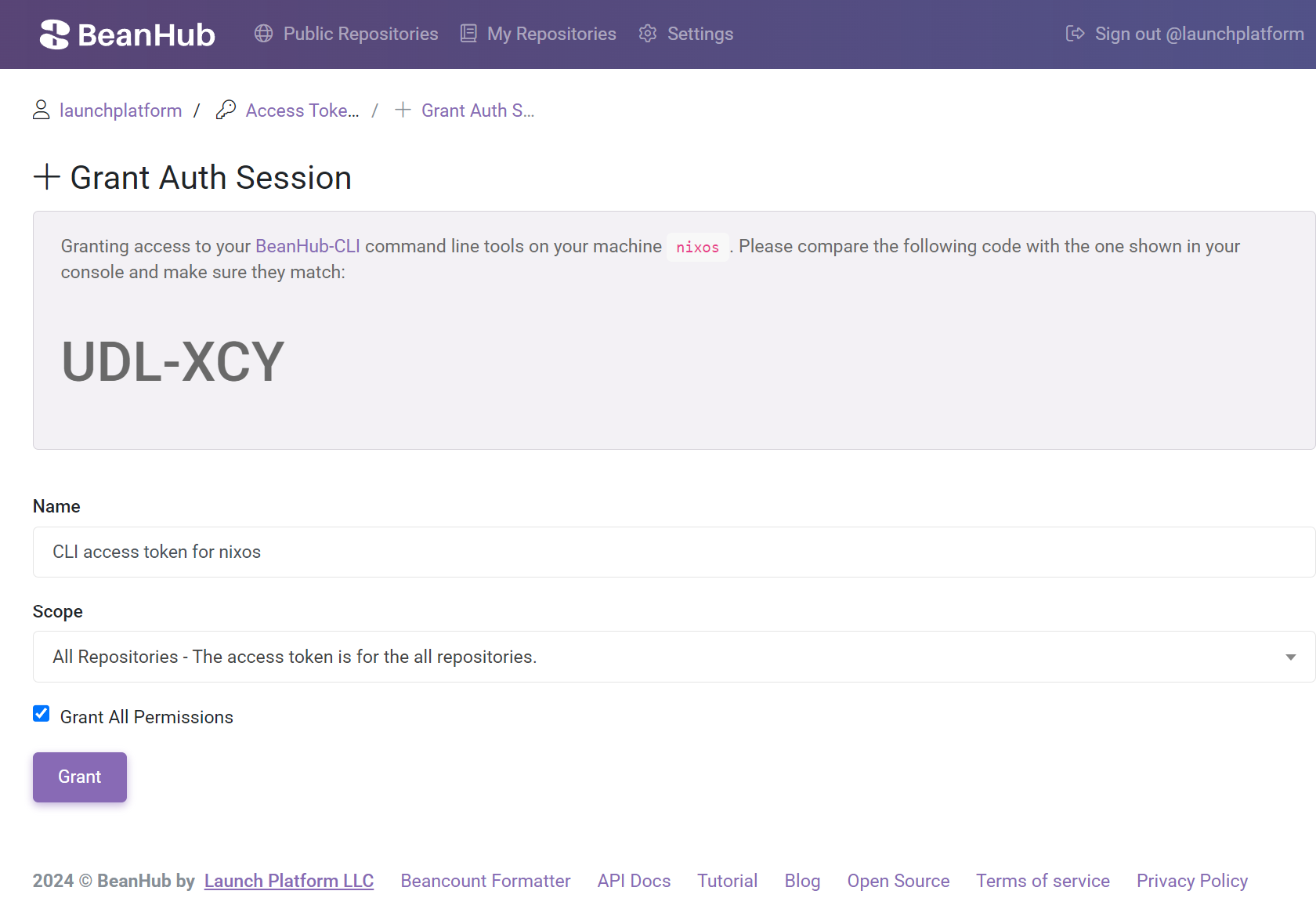
It may ask you to log into your BeanHub account on the browser first if you haven't logged in yet. If your local environment doesn't allow BeanHub-CLI to open the page in the browser automatically, you can copy the shown URL and open the page manually. Once the page is present, please compare the authentication code shown by the command line tool and the one shown on the website to ensure they are identical before granting access. You can change the scope of access grant for your login session when creating it or change it later on the BeanHub Access Token management page.
After logging in successfully, BeanHub-CLI writes a configuration file at <your home folder>/.beanhub/config.toml.
The file stores the access token and, when you set one, your default repository.
The access token is plaintext in that file.
We may integrate the keychain service provided by your operating system for better security in the future.
If you are already logged in, bh login stops. Run bh logout to remove the saved token, then log in again.